
Automatic attendance from real signals, not self-reporting
Clock-in and clock-out times are recorded from the actual activity state of each workstation — combined with flexible shift configuration and automatic sign-out at the end of a shift.
Does this sound familiar before DearPulse?
Buddy punching and phantom attendance
Manual timesheets or a fingerprint reader at the door still cannot confirm that an employee actually worked the whole shift.
Overlapping shifts are hard to track
Multiple shifts and multiple groups of employees — managing it by hand in Excel invites mistakes and slow updates.
Employees forget to sign out at the end of a shift
Machines stay logged in after hours, creating security risk and inaccurate attendance data.
Features built to address it directly
Automatic attendance
Clock-in and clock-out are derived from agent activity state — check-out happens automatically when the machine goes offline, with no manual step.
Flexible shift configuration
Create shifts by time window, day of the week and break time, then assign employees to each shift visually.
Real-time work status
See who is working, who is about to start a shift and who is absent — as a calendar or a timeline.
Screenshots straight from the DearPulse system
Every screenshot below is captured from a live, running dashboard — not a mockup.
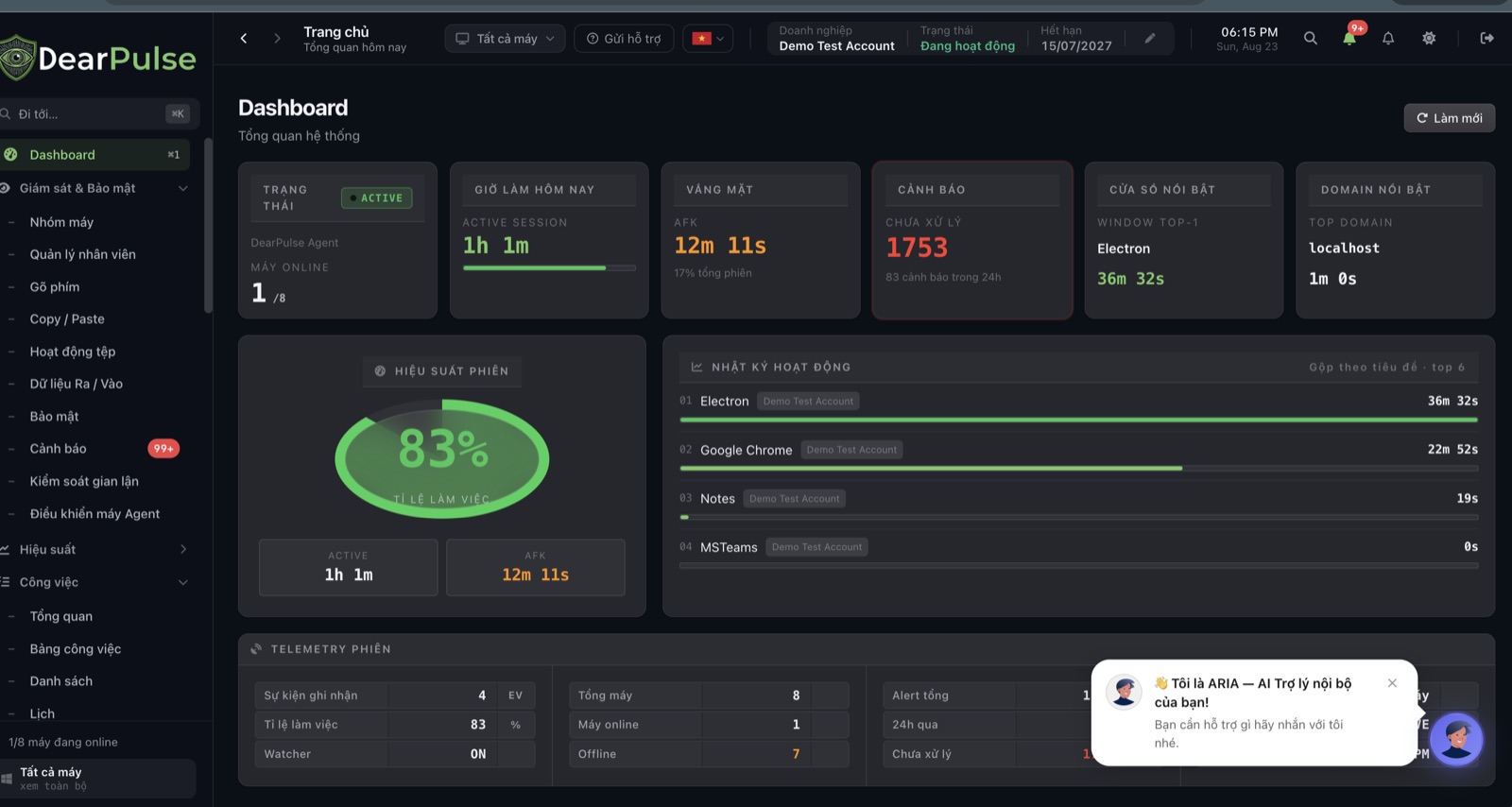
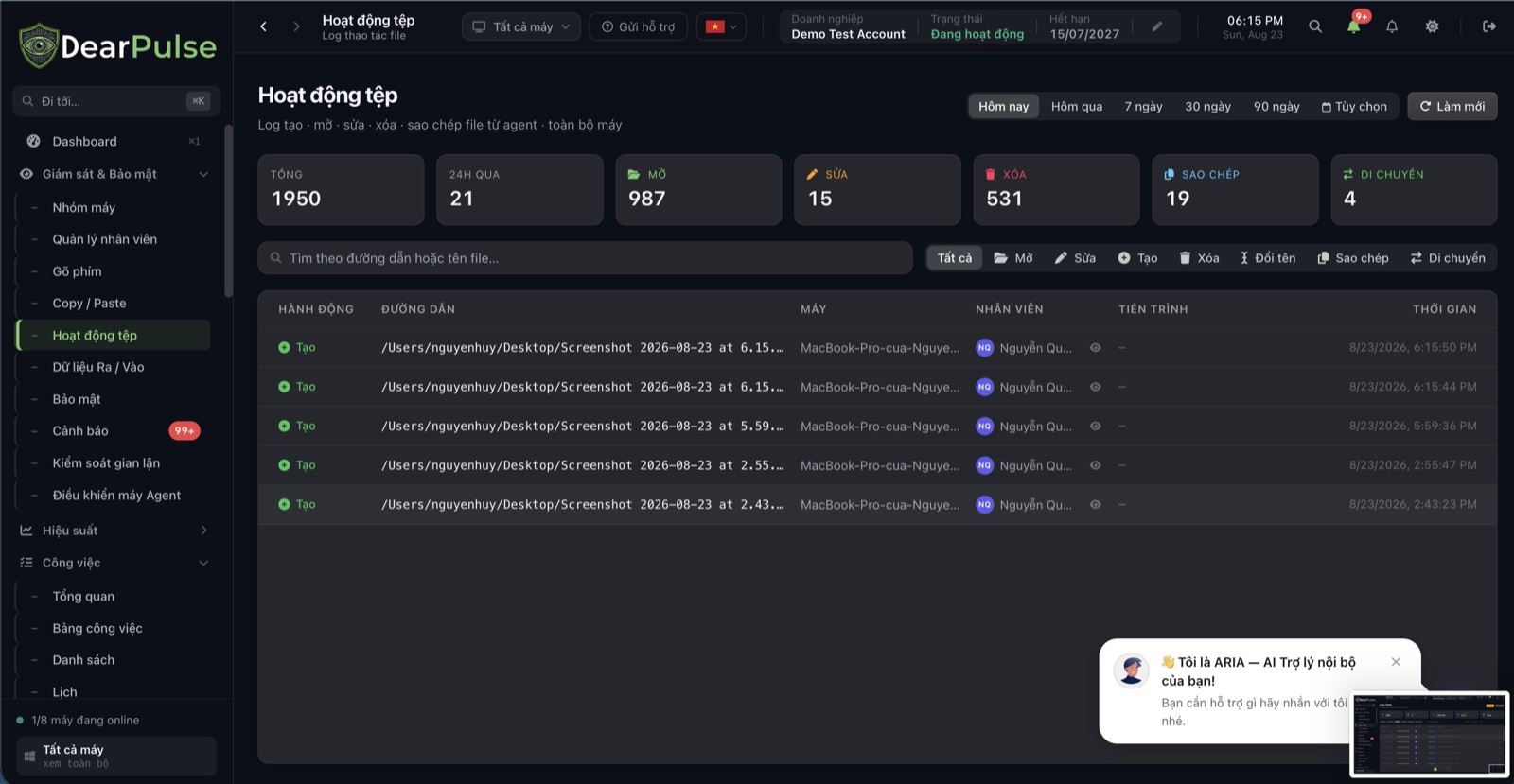
This is just a part of the interface — DearPulse has many more features waiting to be explored. Book a demo to see everything.
The value it brings to your business
No manual steps required
Employees never have to clock in — the system records time from the actual working session on the machine.
Fewer timesheet errors
Working hours are aggregated automatically, reducing disputes at month-end payroll.
Safer after the shift ends
Automatic sign-out lowers the risk of devices being misused outside working hours.
Deep capabilities, built for real-world business operations
Attendance from real signals, not declarations
Working hours are inferred from the device's actual active/AFK state, not from a 'check-in' button that someone else can press on your behalf.
Shifts that can enforce themselves
When a shift ends, the system can automatically send commands to close applications and sign the device out — it does not just log lateness, it acts on it.
In sync with performance data
Attendance figures share the same platform as activity and productivity data, instead of sitting in a separate attendance system you have to reconcile by hand.
A complete toolkit for operators
An in-depth feature set built for Vietnamese businesses.
Working-hours configuration
Create shifts, choose the days they apply and set break times; apply a shift to employees and devices immediately.
Shift assignment
Assign employees to each shift and see the total number of shifts and assigned employees in real time.
Work status
See who is working, who is about to start and who is absent, as a calendar or a timeline.
Away (AFK)
Total working time versus time away, as a percentage, with the most recent status changes.
Attendance reports
Daily, weekly and monthly timesheets, ready to export for payroll.
Automatic sign-out
Turn it on or off per shift — close applications and sign the device out when working hours end.
Simple rollout in 3 steps
Configure shifts
Administrators create shifts by time window, day of the week and break time, then assign employees to each shift.
- Create shifts with start and end times plus break time
- Choose which days of the week each shift applies to
- Assign employees and devices to each shift
Frequently asked questions
Common questions about this solution.
No. Clock-in and clock-out are calculated automatically from the activity state of the agent on the machine, with check-out when the machine goes offline.
Ready to elevate your business performance?
Register for a free demo to experience DearPulse's performance management and risk control platform.