
Feature-level permissions that match your real org chart
Custom roles with three levels — Full access / View only / Denied — for every single feature, combined with visibility scoped to the individual or the department. Not a handful of fixed roles meant to fit every company.
Does this sound familiar before DearPulse?
Fixed roles do not match the real structure
The software ships with only a few roles such as 'Admin' and 'Employee', while the business has several management tiers with different levels of authority.
All-or-nothing access
You want a manager to see reports but not change system settings — many products simply have no middle ground.
Department managers can still see other departments' data
Without a way to scope access by department, sensitive data is exposed well beyond where it is needed.
Features built to address it directly
Three clear permission levels
Full access / View only / Denied, applied per feature — and 'View only' blocks write requests outright, rather than merely hiding the interface.
Independent visibility scope
Limit which tasks and data a user sees — 'mine' or 'all', 'my department' or 'the whole company' — entirely separately from what they are allowed to do.
Unlimited custom roles
Create as many roles as you need and name them after your actual structure instead of being locked into preset templates.
Screenshots straight from the DearPulse system
Every screenshot below is captured from a live, running dashboard — not a mockup.
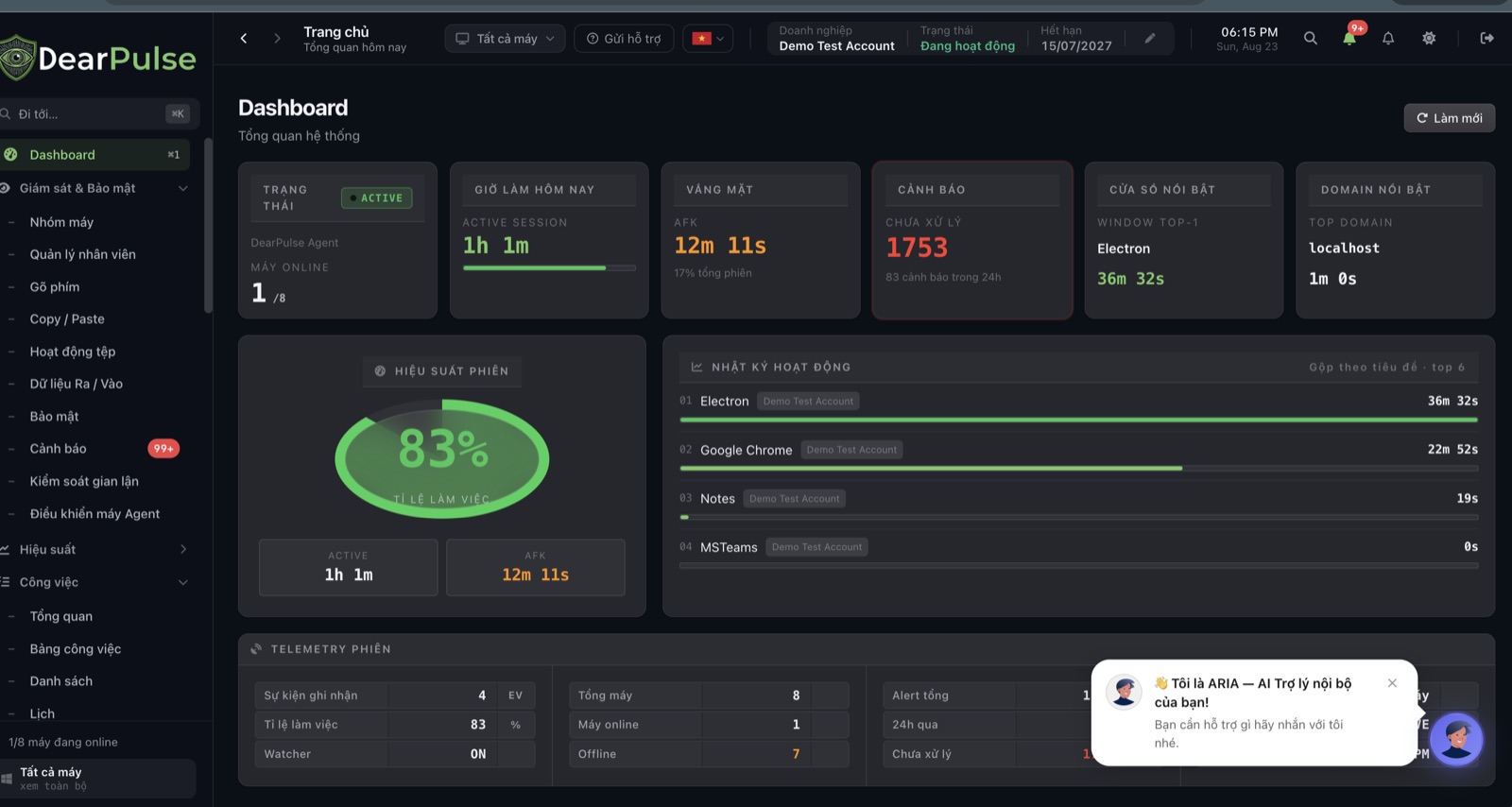
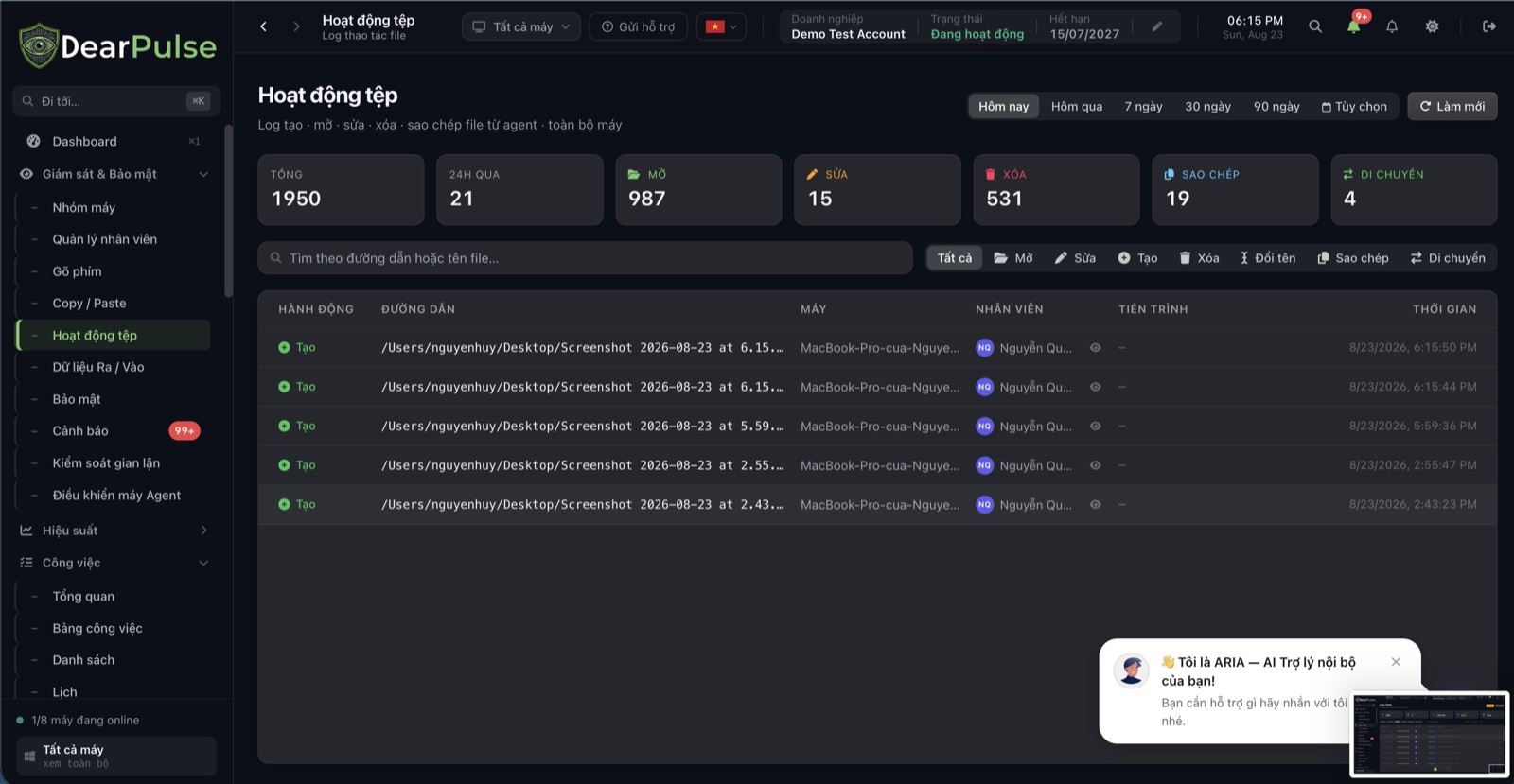
This is just a part of the interface — DearPulse has many more features waiting to be explored. Book a demo to see everything.
The value it brings to your business
The right people, the right scope
A role can have full operational access yet see only the data of the department it is responsible for.
Fewer accidental changes
'View only' blocks write requests at the server layer, not just by hiding buttons in the interface.
Flexible as you grow
Change roles or scopes whenever your organisation changes, without waiting on the vendor to intervene.
Deep capabilities, built for real-world business operations
Three independent layers of control
The subscription plan decides which modules are enabled, the role decides which actions are allowed inside those modules, and the visibility scope decides whose data is visible — three separate layers, none of which can be bypassed through another.
Permissions down to the individual feature tab
It does not stop at broad modules like 'Tasks' — you can grant access separately to each sub-tab, such as the task board, reports, calendar or pending approvals.
Your own work is always yours to see
Even when access to other people's data is restricted, every employee always sees all of their own tasks and notifications.
A complete toolkit for operators
An in-depth feature set built for Vietnamese businesses.
Three permission levels
Full access, View only and Denied — applied per feature and genuinely enforced at the server layer.
Tab-level permissions
Grant access separately to each sub-tab within a larger feature, such as reports, calendar or pending approvals.
Task visibility scope
Limit users to their own tasks or open up all shared work.
Department scope
Restrict data to the user's own department or extend it company-wide.
Monitoring evidence in tasks
Optionally allow or block viewing of screenshots and applications used when opening task details.
Department management
Create, rename and delete departments — with a warning when a department is still in use.
Simple rollout in 3 steps
Create roles
Name roles after your real structure — 'Sales Manager' or 'Inventory Accountant', for example — instead of relying on preset templates.
- Create as many roles as you like, with no limit
- Copy an existing role and adjust it in seconds
- See at a glance how many employees use each role
Frequently asked questions
Common questions about this solution.
No. You can create as many roles as you like and name them to match your organisational structure exactly.
Ready to elevate your business performance?
Register for a free demo to experience DearPulse's performance management and risk control platform.